ZARIA: Three Dice on the Commodore 64
ZARIA
- Type
- Game
- Language
- Commodore BASIC V2
- Length
- 49 lines · 7 blocks (1,615 bytes)
- Keys
- Any key rolls, Q quits
- Special keys
- None, everything is typed as CHR$()
Zaria is Greek for dice. Press a key and three dice tumble across the screen, slowing down with a rattle from the SID, until they land and the C64 adds them up. Doubles and triples get called out. It is a short program, but it touches most of what makes the C64 screen fun to work with in BASIC: reverse video, cursor control codes, PETSCII graphics, and a sound chip that is one POKE away.
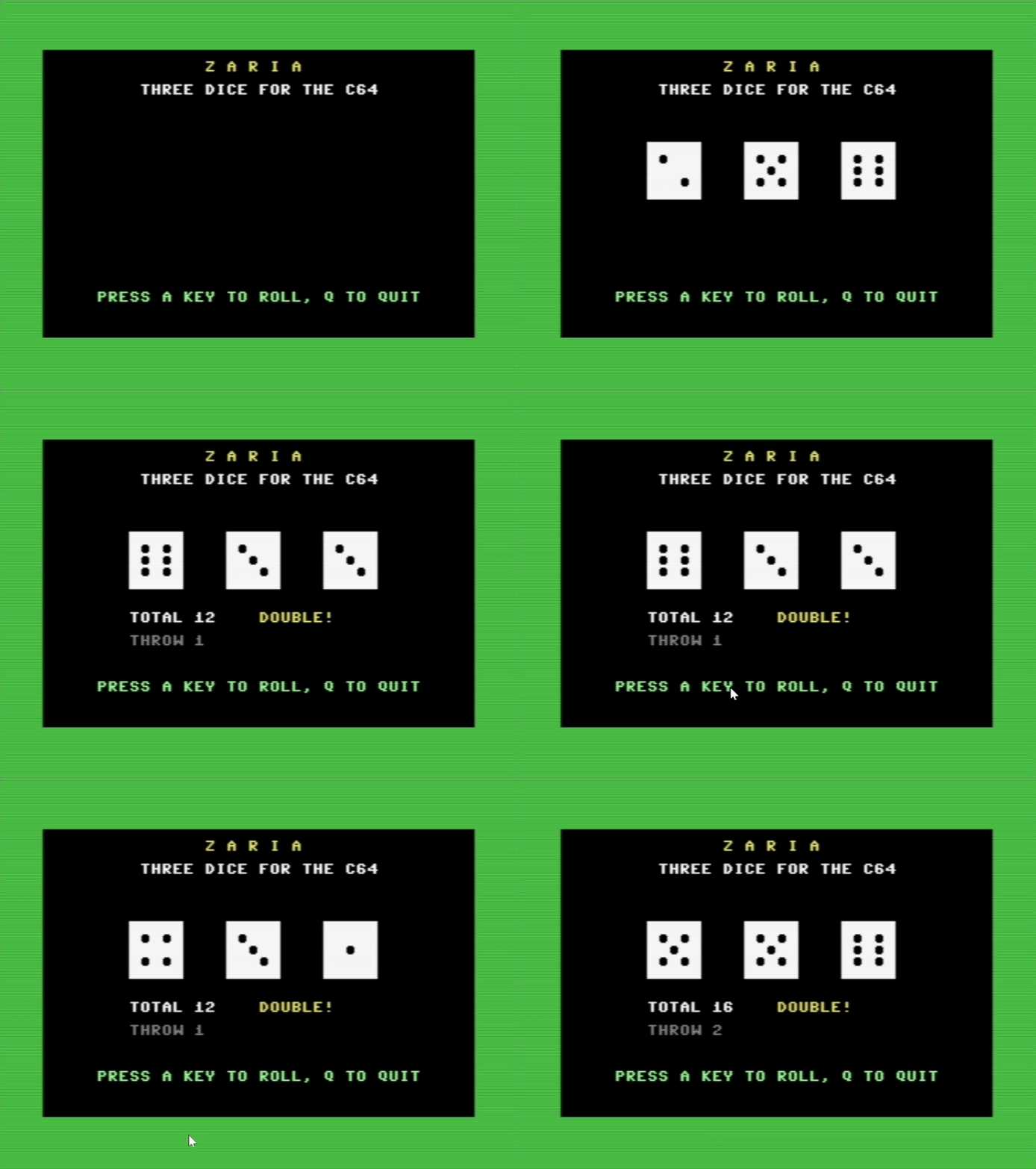 |
| Two rolls, recorded in VICE. Each one tumbles for about two seconds before the dice settle. |
The listing
Type every letter without SHIFT. The listing is stored in lower case, which is how the C64 sees ordinary upper-case letters. Click each line as you finish it to tick it off, or skip the typing and press ↓ .PRG.
Lines 620 and 670 have five spaces between the quotes, and lines 210 and 450 have spaces that matter too. Line 650 is not a typo: it is the “else” of line 640.
How it works
The program is built in seven blocks, each starting on a round line number with a remark, so you can find your way around it with LIST 600-670 and friends.
| Lines | Block |
|---|---|
| 100–180 | Setup: random seed, colours, the SID, control codes, the six faces |
| 200–250 | Title and prompt |
| 300–390 | Wait for a key, then the tumble |
| 400–470 | The result: total, doubles, triples, throw counter |
| 500–510 | Subroutine: draw one die |
| 600–670 | Subroutine: build the six dice as strings, once |
| 900–920 | Quit |
Line 100: seed and colours
R=RND(-TI) seeds the random number generator from TI, the jiffy clock that has been counting sixtieths of a second since power-on. A negative argument to RND starts a new sequence, so no two sessions roll the same dice. Then a green border (5 into 53280), a black background (0 into 53281), CHR$(147) to clear the screen and CHR$(5) for white text.
Lines 110–120: one voice of the SID
The SID has 25 write registers starting at 54272. Line 110 sets them all to zero, so nothing left over from an earlier program can spoil the sound. Line 120 turns the volume up (register 24), and gives voice 1 an attack of 0 and a decay of 9 (register 5) with no sustain (register 6). Every note will start at full volume and die away on its own in a fraction of a second: a click, not a tone.
Lines 130–140: control codes in strings
BASIC V2 has no command to move the cursor to a row and column, but PRINT understands control codes. CHR$(19) sends the cursor home to the top left, and each CHR$(17) moves it one row down. Line 140 builds DN$, a string of 24 cursor-downs, so PRINT CHR$(19);LEFT$(DN$,15);TAB(8) puts the cursor on row 15, column 8. The program uses this everywhere, which is why every throw lands in exactly the same place and the screen never scrolls.
RV$ and RO$ are reverse on and reverse off, CHR$(18) and CHR$(146). PP$ is CHR$(113), the filled circle you get with SHIFT + Q: the pip.
Lines 150–170: six faces in nine characters each
Each face is a 3×3 grid, read row by row, with 1 for a pip and 0 for blank. The face for five, "101010101", is:
1 0 1
0 1 0
1 0 1
Keeping the faces as DATA means the rest of the program does not care which number it draws. Want different pips? Change the DATA, not the program.
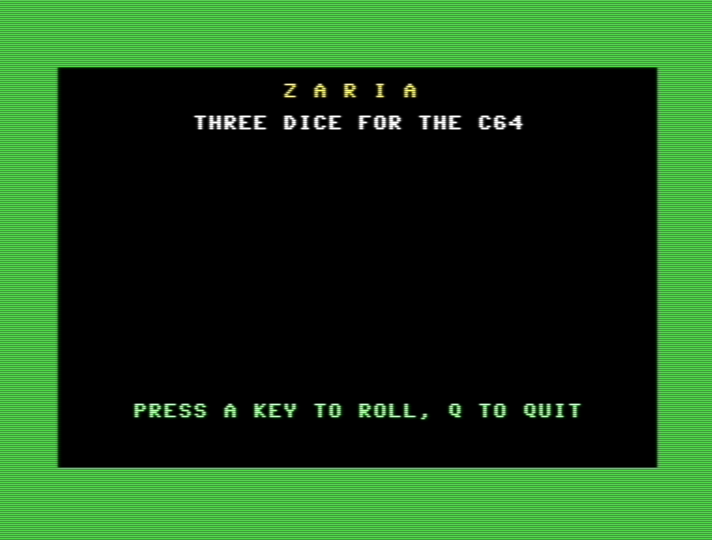 |
| The title screen, before the first roll. The dice are already built and waiting in memory. |
Lines 600–670: a whole die in one string
Line 180 calls this subroutine once, before the title appears. It turns each 3×3 pattern into a single string that draws the complete die, five rows of five characters. NL$ is the trick: one cursor-down, CHR$(17), and five cursor-lefts, CHR$(157). Printed after a row of five characters, it puts the cursor right under the start of that row, ready for the next one. So D$(V) holds the colour code, reverse on, the top edge, then each row of pips followed by NL$, then the bottom edge and reverse off: about 50 characters that draw a die wherever the cursor happens to be.
The middle rows are built from the face string with MID$(F$(V),Y*3-3+X,1): a reversed space at each side, and between them a pip or a space for each of the three characters. BASIC V2 has no ELSE, so line 640 adds a pip and jumps past line 650 with GOTO 660; if the character is not a 1, the IF fails, the rest of line 640 is skipped and line 650 adds a space instead.
Here is the trick that makes it look like a die: a reversed space is a solid white block, and a reversed circle is a white block with a black circle cut out of it. So the die is white and the pips are holes that show the black screen behind. No graphics mode, no sprites, just reverse video.
Lines 500–510: drawing a die
With the strings ready, drawing a die is one PRINT: home, down to row R, across to column C, then D$(V). Building the strings once and printing them many times is much faster than working out every pip on every throw, and speed matters here: the tumble draws 24 dice per roll.
Lines 310–320: waiting for a key
GET K$ reads the keyboard without stopping, and returns an empty string when no key is pressed, so line 310 loops on itself until a key arrives. Q goes to the exit, anything else rolls.
Lines 340–390: the tumble
Eight throws in a row, drawn on top of each other. Each one plays a click: 128 into register 4 selects the noise waveform with the gate closed, the next POKE sets the pitch, and 129 opens the gate, which starts a new note. The pitch rises a little with every throw (10+T*4), and the pause after it gets longer (T*25), so the dice rattle quickly and then slow down, like real ones settling on a table. The eighth throw is the one that counts.
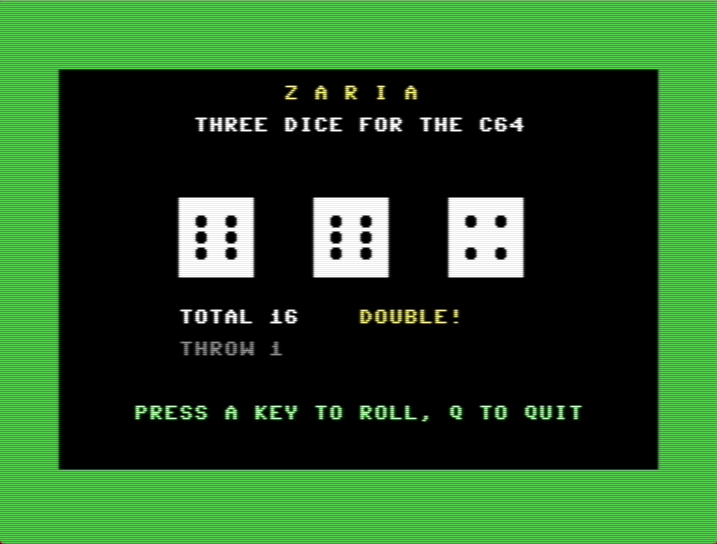 |
| Six, six and four: total 16, and a double. Running in VICE. |
Lines 410–460: the result
SM is the total of the three dice. Line 420 checks the three possible pairs for a double, and line 430 upgrades it to a triple when all three match. The message is printed in yellow, followed by eight spaces that wipe out whatever a longer message left there on the previous throw. A total can drop from two digits to one, too, which would shift everything one column left; the spaces take care of that as well.
Lines 900–920: leaving tidily
Volume to zero, so the SID does not keep humming, and the C64's own colours back: light blue border (14) on a blue screen (6), with light blue text from CHR$(154). A program that cleans up after itself is a nice program to type in.
Variables
| Name | Holds |
|---|---|
| S | 54272, the first SID register |
| RV$, RO$, PP$ | reverse on, reverse off, the pip |
| DN$ | 24 cursor-down codes |
| F$(1)–F$(6) | the six faces as 3×3 patterns |
| D$(1)–D$(6) | the six dice, each ready to PRINT |
| NL$, B$ | cursor down and back to the start of the row; the die being built |
| D1, D2, D3 | the three dice |
| SM, M$, TH | total, message, number of throws |
| V, C, R | face, column and row for the drawing subroutine |
| T, W, X, Y, I | loop counters |
| K$ | key pressed |
Try this
- Loaded dice: in line 350, replace the formula for
D3withD3=6. See who notices. - A longer tumble: change the 8 in line 340 to 12, or the 25 in line 380 to 40 for a slower one.
- Other colours:
CHR$(28)instead ofCHR$(5)in line 620 gives red dice, and they keep their black pips. - Galileo's question: with three dice, does 10 come up more often than 9? Both can be made in six ways, yet gamblers in the 1600s noticed 10 wins. Galileo explained why: counting the order of the dice, 10 has 27 combinations out of 216 and 9 only 25. Add a counter for each total and roll a few hundred times to see it for yourself.
Run it
Press ↓ .PRG on the listing and drop the file onto a VICE window, or type it in and enter RUN. The source and the ready-made program are also on GitHub.
With the sound on, you can hear the dice rattle and slow down:
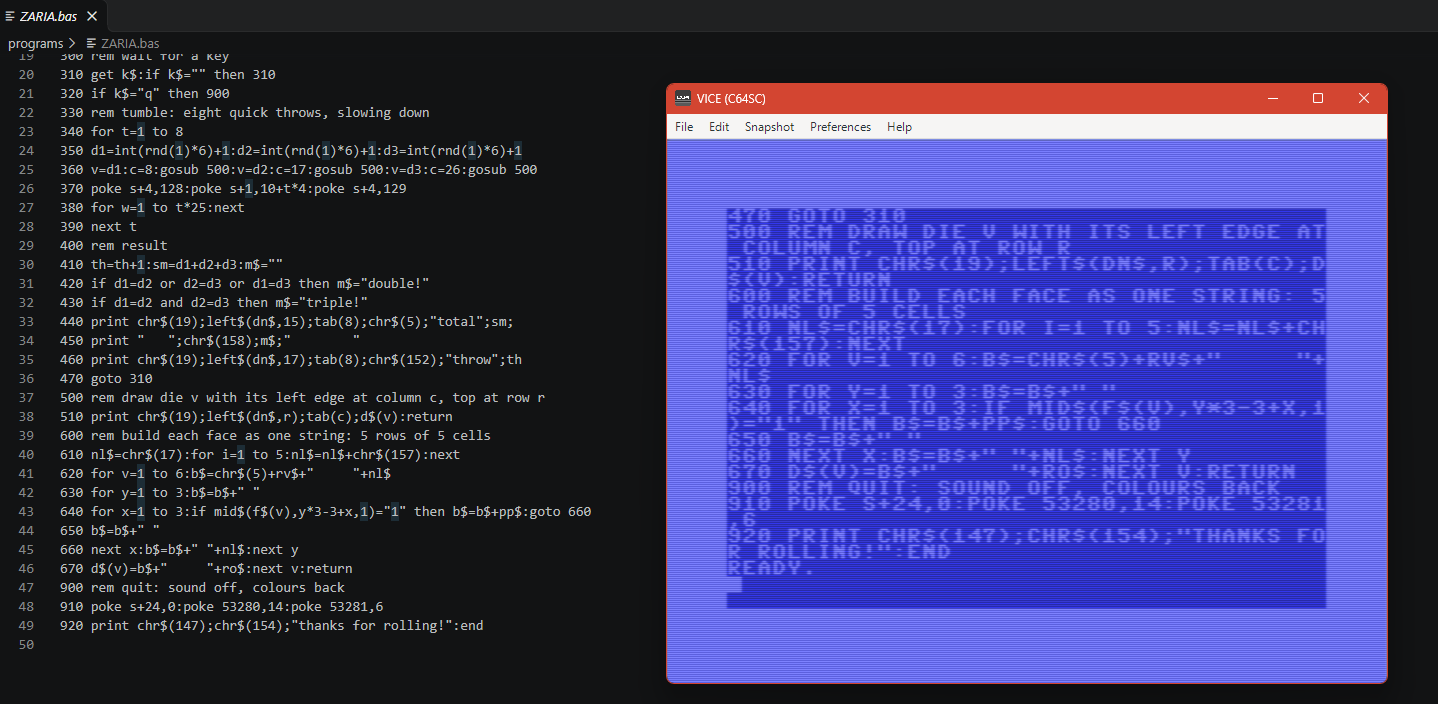 |
| In the lab: ZARIA.bas in VS Code, and the same lines listed on the C64 after quitting. |
Comments
Post a Comment